Profile
The profile page allows you to enter the contact, skills and KYC information required to use the Arqualea club service.
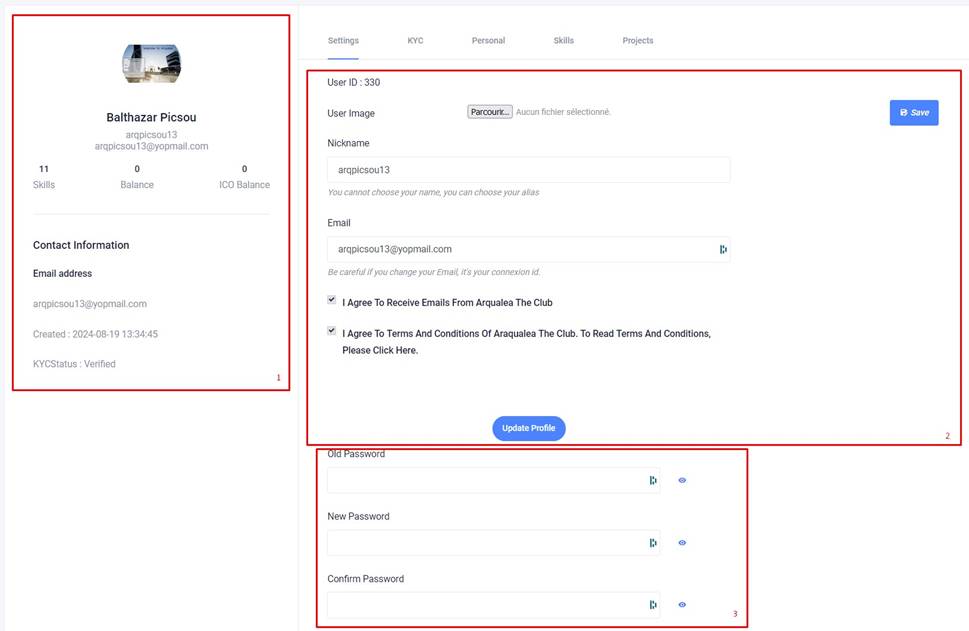
On the left-hand side of the page, you can view the most important information about your account (1).
You can access the various sections using the panels on the right.
The Settings section lets you enter your profile picture. Click on the Browse button, choose an image and click on the Save button on the right.
You'll also be able to change your username and email (2). Don't forget to click on the Update Profile button to take your changes into account. Please note that this change will affect your login details.
At the bottom of the Settings section, you can change your password (3).
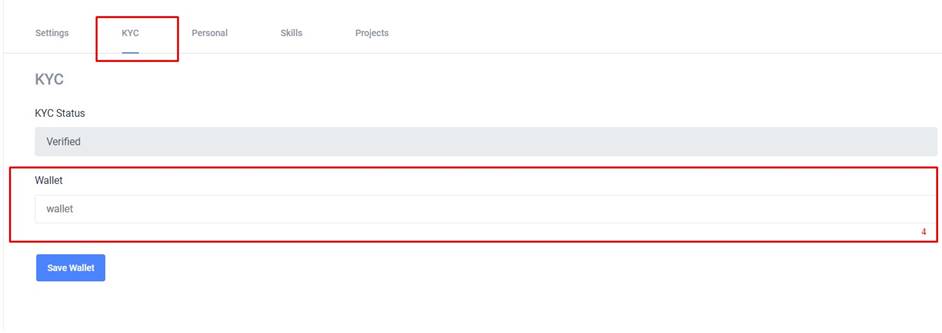
The KYC section allows you to validate your KYC. For the moment, only the address of your ERC20 wallet (ethereum, polygon or other) is required (4).
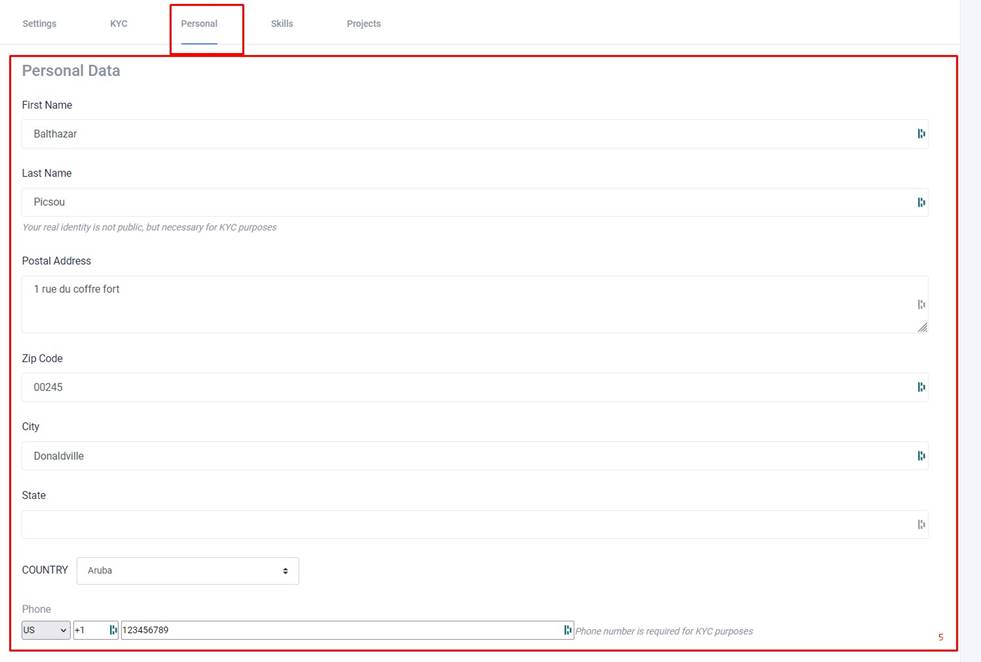
The personal section allows you to provide your personal information (5). This information is required for KYC purposes and will be stored in accordance with GDPR obligations.
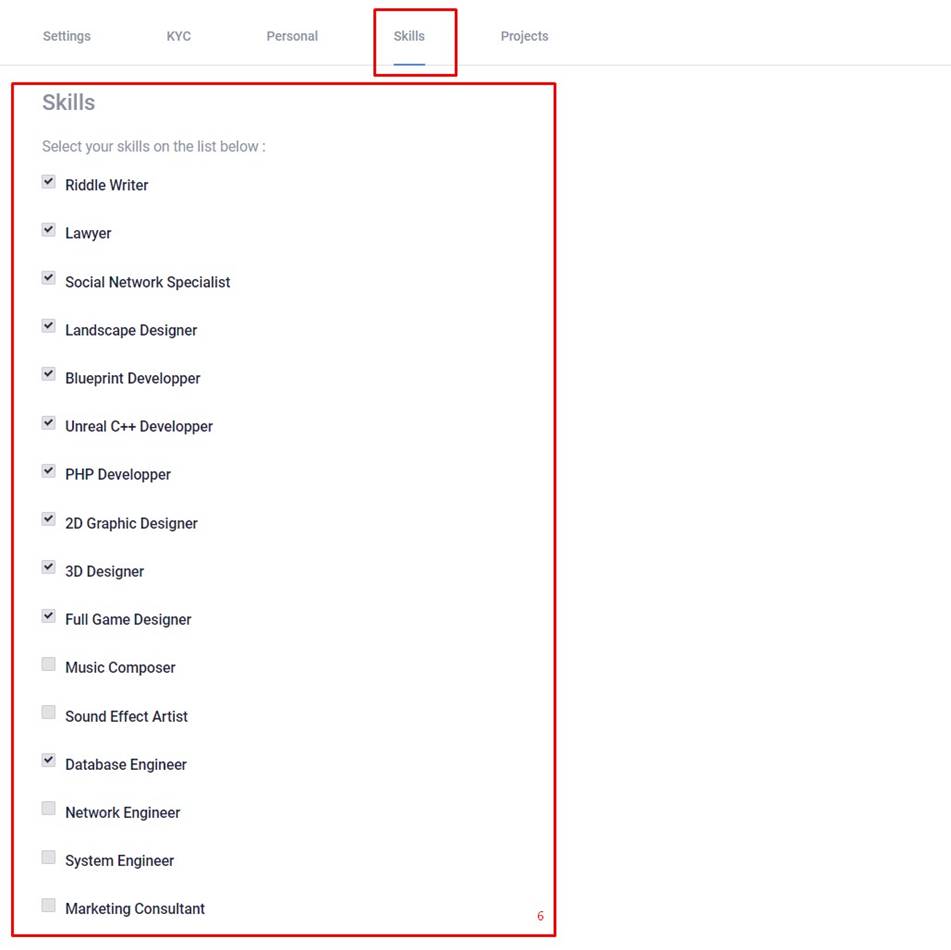
The Skills section lets you define the skills you can bring to the community. These skills will enable you to participate in stories when the selected skills are required.